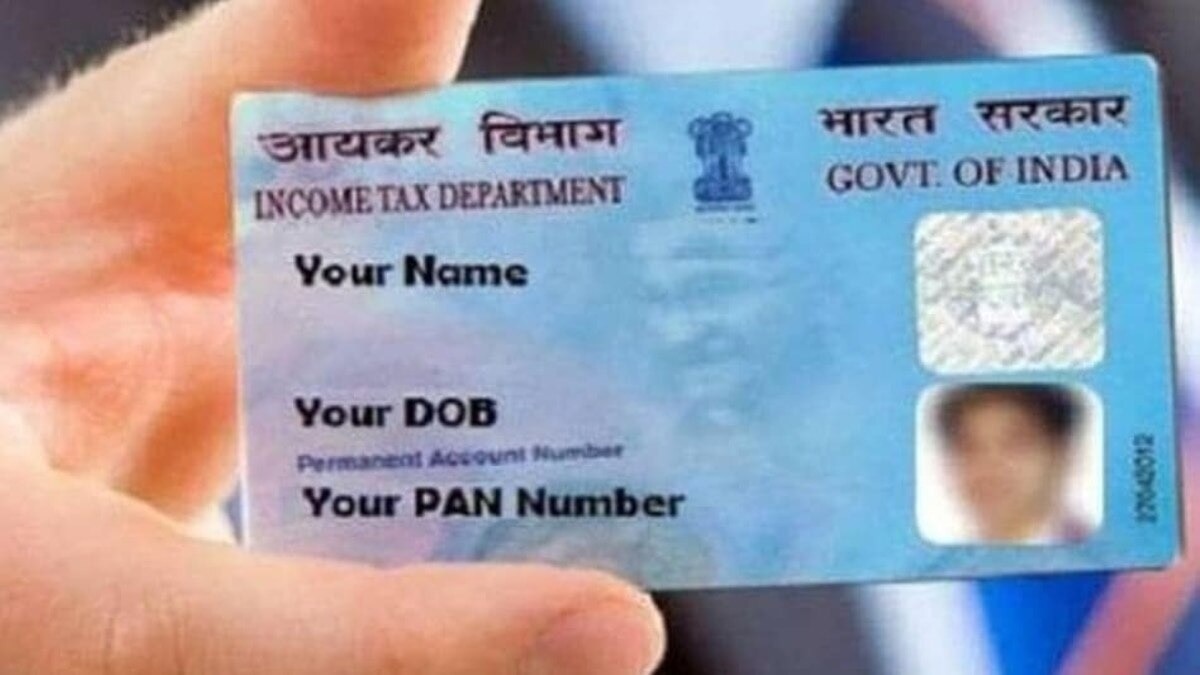
Lost your physical PAN card or need a digital copy? This article walks you through the official e‑PAN download process, OTP verification, and essential security tips for instant access.
Key Takeaways (मुख्य बिंदु)
- Downloading e‑PAN from the government portal is fully legal and instant.
- OTP verification confirms identity; the PDF password is usually the date of birth.
- Digital PAN can replace the physical card for banking, tax filing, and KYC.
The Permanent Account Number (PAN) is the cornerstone of India’s tax and financial ecosystem. Recognising the need for faster, paper‑less solutions, the Income Tax Department introduced the e‑PAN – a digitally signed, legally valid version of the PAN card that can be stored on any electronic device. This shift not only reduces processing time but also aligns with the broader Digital India initiative.
What Is an e‑PAN?
An e‑PAN is an electronic PDF issued by the Income Tax Department, bearing the same unique PAN number and digital signature as the physical card. Because it is backed by law, financial institutions, banks, and KYC platforms accept it without any additional verification.
Downloading Process: Step‑by‑Step
Step 1: Visit the official Income Tax e‑filing portal (https://www.incometax.gov.in) or the dedicated PAN service website.
Step 2: Locate the “Download e‑PAN” or “Instant e‑PAN” option on the homepage and click it.
Step 3: Fill in the required details – PAN number, linked Aadhaar number (if applicable), date of birth, and CAPTCHA. All entries must match the records maintained by the department.
Step 4: OTP verification: An OTP will be sent to the mobile number or email address registered with your PAN/Aadhaar. Enter the OTP to confirm your identity.
Step 5: Upon successful verification, the system generates a PDF of your e‑PAN. Download the file and store it securely. In many cases the PDF is password‑protected.
Opening a Password‑Protected e‑PAN
If the downloaded PDF asks for a password, it is typically your date of birth in DDMMYYYY format. For example, a birthdate of 15 August 1995 translates to the password 15081995.
Benefits and Security Tips
Having an e‑PAN means instant access from any smartphone, tablet, or computer—eliminating the need to carry a physical card. It is accepted for most financial transactions, tax filings, and KYC procedures, serving as a reliable fallback if the physical card is lost or damaged.
To keep your data safe, always download the e‑PAN from the official government portal, ensure your mobile number and email are up‑to‑date for OTP receipt, never share your PAN or OTP with anyone, and keep a backup copy in a secure location such as DigiLocker.
In summary, the e‑PAN download process is quick, secure, and fully compliant with Indian law. By embracing this digital document, citizens can streamline banking, tax, and compliance tasks while reducing reliance on paper‑based methods.

