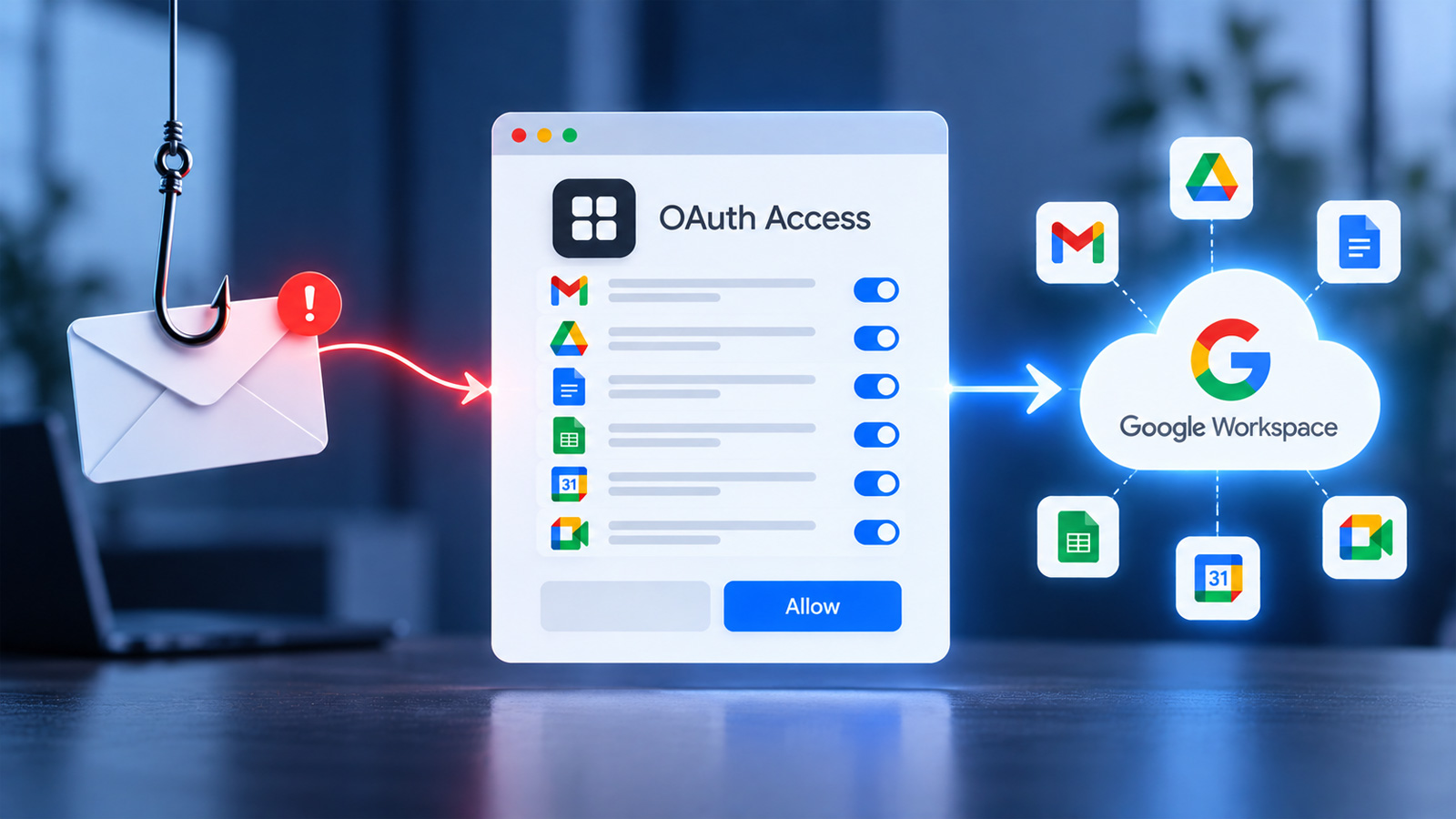
This webinar reveals how the combination of social engineering and malicious OAuth applications can grant attackers access to Google Workspace data without passwords, and outlines the security controls that can mitigate such breaches.
- OAuth can enable attacks on Google Workspace without stolen credentials.
- Organizations must monitor third‑party app permissions closely.
- Effective controls can safeguard fast‑growing companies with limited security resources.
Google Workspace’s latest threat vector is taking a new shape: malicious OAuth applications that, coupled with social engineering, trick users into granting access to sensitive data without revealing passwords. On September 23, 2026, BleepingComputer will host the live webinar “Breach autopsy: How fast‑growing companies are breached through Google Workspace” featuring Rajan Kapoor, VP of Security at Material Security, and Rick Fitzgerald, President of Fireside Consulting LLC, who will dissect two real‑world attacks.
OAuth is a user‑friendly authorization framework that allows third‑party apps to access Google Workspace services without sharing passwords. While this eases legitimate integration, attackers can abuse it by luring users to approve malicious apps, thereby gaining access to files, calendars, and communications.
The webinar will explore two case studies where attackers used social engineering to convince employees to authorize a malicious app. In the first incident, a phishing email led a staff member to approve a fake “task manager” app, giving the attacker deep access. In the second, a seemingly legitimate conference tool was used to elevate permissions and exfiltrate sensitive data.
Why This Matters
BozokMedia analysis shows that OAuth‑based attacks are increasingly targeting fast‑growing firms with limited security budgets. Without visibility into third‑party apps and their scopes, organizations risk exposing critical data unintentionally.
“Relying solely on passwords is outdated; OAuth authorization must be secured with robust controls.” – Rajan Kapoor, Material Security.
Frequently Asked Questions
Q1: How can I see which OAuth apps are active in my organization?
A1: In the Google Admin console under “Security” > “API Controls,” you can view all active apps and their scopes.
Q2: Does two‑factor authentication (2FA) prevent OAuth attacks?
A2: 2FA only enhances password security; managing app permissions is essential to stop OAuth exploitation.