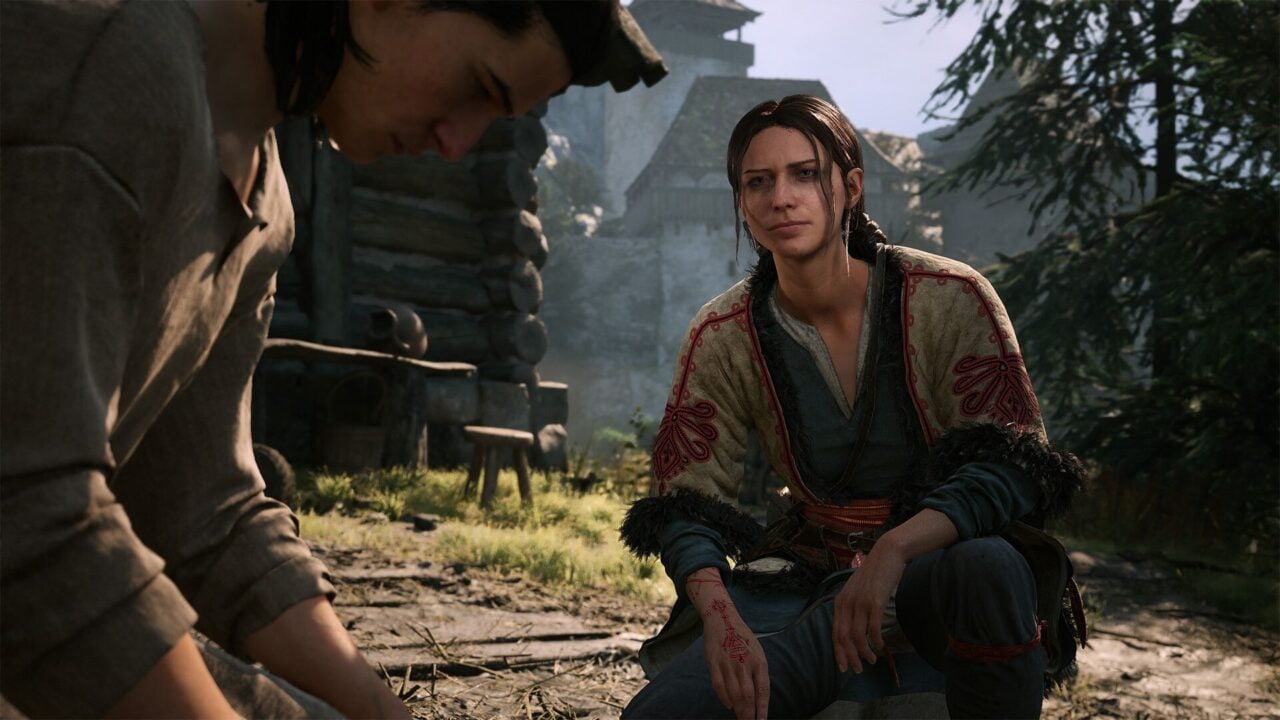
Following a mixed launch on PC, the developers of the vampire-themed RPG 'The Blood of Dawnwalker' have released critical workarounds for stuttering, crashing, and controller issues.
- Game stuttering occurs in Windowed/Borderless modes; Fullscreen is recommended.
- Shader compilation crashes are linked to outdated BIOS on Intel CPUs.
- Controller mapping and sprinting issues are currently being addressed by developers.
The highly anticipated vampiric RPG, The Blood of Dawnwalker, has made a significant splash in the gaming community. Created by veterans from CD Projekt, the game has garnered a respectable Metacritic score of 84 on PC. However, despite the critical acclaim, the PC launch has been marred by several technical hurdles that are affecting player immersion.
Addressing the Four Primary Concerns
The development studio, Rebel Wolves, has proactively taken to social media to address the four most frequent complaints reported by the community. The first major issue involves performance stuttering when the game is set to Windowed or Borderless modes. Currently, the only effective workaround is to run the game in Full Screen mode.
The BIOS and Shader Compilation Crisis
Perhaps the most frustrating issue is the game crashing during the initial shader compilation phase. BozokMedia analysis shows that this is not a simple software bug but a hardware-software conflict. Specifically, users with Intel Core CPUs are experiencing crashes due to outdated BIOS versions conflicting with Oodle and the Unreal Engine. Developers have urged all affected players to update their BIOS immediately to resolve this.
Proactive communication from developers can turn a rocky launch into a manageable transition for the community.
The second major hurdle involves PS5 controller compatibility. Players have reported a lack of button remapping options and an issue where sprinting ceases when changing directions. While a permanent fix is in development, players can mitigate the sprinting issue by adjusting their controller sensitivity from 1 to 0.8 in the console settings.
Historical Context: The RPG Launch Struggle
Historically, large-scale RPGs developed by high-profile studios often face optimization challenges at launch. Much like the early days of The Witcher 3, the scale of these worlds requires immense hardware coordination, making technical patches a standard part of the post-launch lifecycle.
Why This Matters
For a studio like Rebel Wolves, the ability to quickly identify and provide workarounds for issues like BIOS conflicts is crucial for maintaining player trust. The success of The Blood of Dawnwalker will ultimately depend on how effectively they transition from these temporary workarounds to permanent, optimized patches.
Frequently Asked Questions
Question 1: Why does my game crash during shader compilation?
Answer: This is often due to an outdated BIOS on Intel-based systems. Updating your BIOS should resolve the conflict.
Question 2: Can I remap buttons on my PS5 controller?
Answer: Currently, the option is missing, but Rebel Wolves has confirmed they are actively working on a fix.