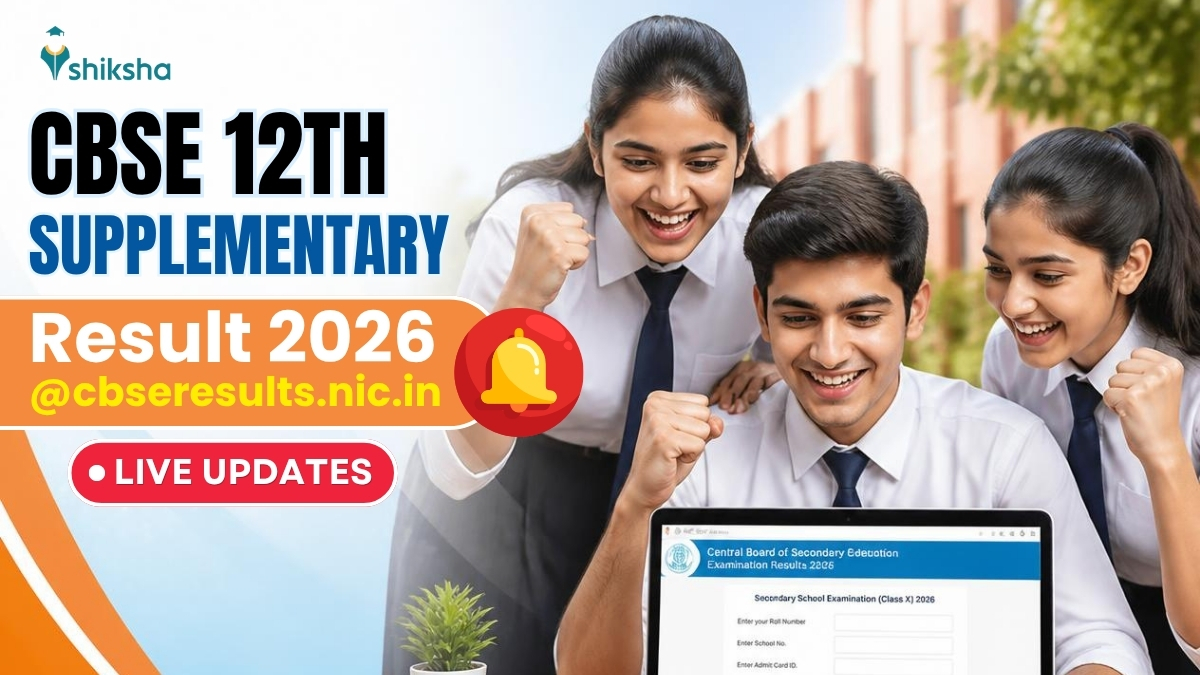
The Central Board of Secondary Education (CBSE) announced the Class 12 supplementary results on August 12, 2026. Students can now log in at cbseresults.nic.in to download their mark sheets, with a pass percentage recorded at 53.08%.
Key Takeaways
- Result released on August 12, 2026
- Marksheet available at cbseresults.nic.in
- Pass percentage stands at 53.08%
Result Announcement
The Central Board of Secondary Education (CBSE) published the Class 12 supplementary examination results online on August 12, 2026. The exam was conducted on July 28 in a single day, targeting students who failed in one or two subjects.
How to Download the Marksheet
To view and download the mark sheet, candidates must visit cbseresults.nic.in, enter their roll number, registration number, and date of birth. The result shown is provisional; the final certificate will be issued by the respective school.
Key Statistics
A total of 2,91,576 candidates registered for the supplementary exam, of which 2,75,287 appeared. The overall pass percentage was 53.08%, meaning roughly 1.55 lakh students cleared the exam.
Historical Background
CBSE’s supplementary (or compartment) exams have been offered since the 1990s for students who fail in up to two subjects in the main board exams. This provision allows students to improve their scores without retaking the entire year, facilitating smoother transitions to higher education.
Why This Matters
BozokMedia analysis shows that timely release of supplementary results directly influences students’ career planning, especially for competitive entrance exams. Rapid updates give candidates a critical window to make informed decisions.
"Prompt supplementary results empower students to align their university applications and entrance preparations without unnecessary delays," says education analyst Dr. Anita Singh.
Frequently Asked Questions
Q1: Can I also download my mark sheet from Digilocker?
A: Yes, the result is mirrored on Digilocker; simply link your AADHAAR to access it.
Q2: What should I do if my result does not appear?
A: Verify that all entered details are correct, wait 24 hours, and if the issue persists, contact the CBSE helpline.