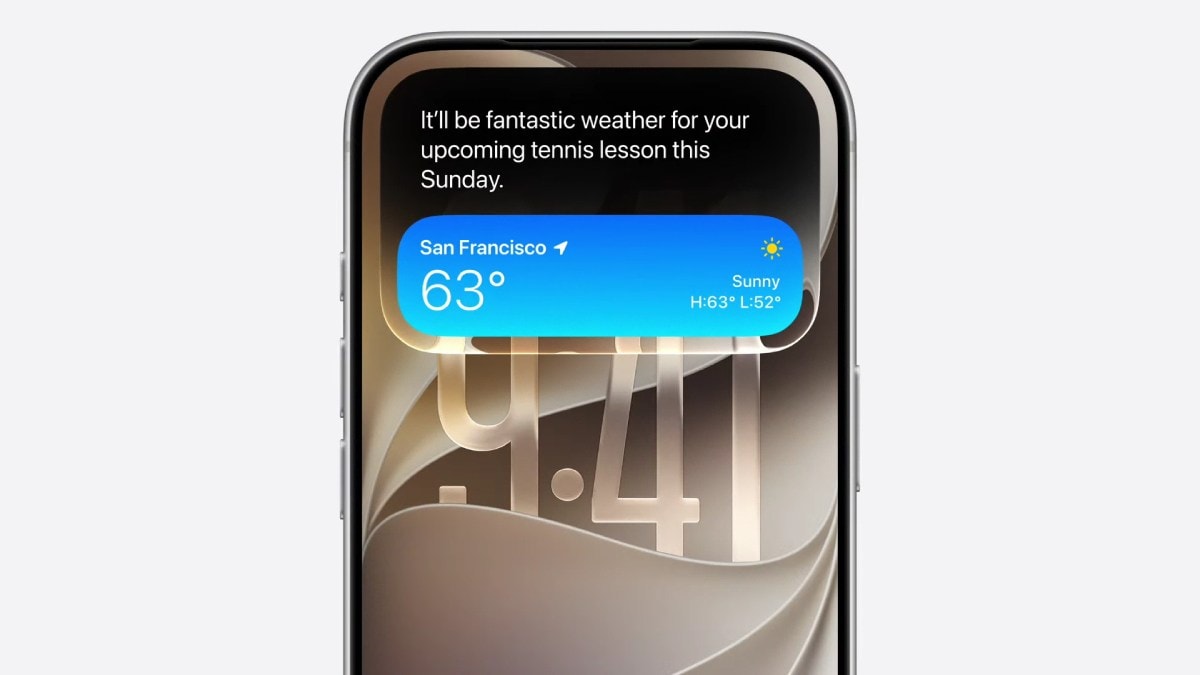
Apple has launched the iOS 27 public beta for eligible iPhone models, bringing AI‑enhanced Siri voice customization, upgraded Liquid Glass display, and new Photo and Mail features. Users can now download and install the update directly from Settings.
मुख्य बिंदु (Key Takeaways)
- iOS 27 public beta now available for all supported iPhones
- Siri AI allows customisation of voice pace and expressivity
- Liquid Glass display and core apps receive major enhancements
On July 7, 2026, Apple officially opened the iOS 27 public beta to the wider iPhone community, extending the preview that debuted at WWDC 2026 in May. The beta is compatible with iPhone 15 Pro Max, iPhone 16 Pro and later models, letting users experience the next generation of Apple’s mobile operating system before the final release.
AI‑Powered Siri Gets Personalisation Controls
The most talked‑about feature is the ability to fine‑tune Siri’s voice. Within Settings, users can now adjust the ‘pace’ (speech speed) and ‘expressivity’ (emotional tone) of the AI assistant, creating a more natural and tailored interaction. Whether you prefer a brisk, business‑like response or a warmer, conversational tone, Siri adapts accordingly, marking a significant step toward truly personal AI assistants.
Liquid Glass Display Improvements
Apple’s proprietary Liquid Glass technology has been overhauled for iOS 27. New rendering algorithms boost brightness uniformity, colour accuracy, and touch latency, delivering smoother scrolling and richer animations without a noticeable battery penalty. The upgrade is most evident on Pro‑class devices that now pair 12 GB of RAM with AI‑intensive apps for lightning‑fast performance.
New Features in Photos and Mail
The Photos app now offers automatic object re‑tagging, AI‑driven album sorting, and real‑time image enhancement, making photo management almost hands‑free. Mail introduces a ‘Smart Reply’ feature that analyses incoming messages and suggests concise, context‑aware responses, streamlining everyday communication.
How to Install the Beta
To enroll, go to Settings → General → Software Update and toggle ‘Enroll in iOS 27 Public Beta’. The device will then download the latest beta build. Apple cautions that beta software can be unstable; users should back up data before proceeding and avoid relying on the beta for critical tasks.
Implications for the Future
iOS 27’s public beta underscores Apple’s commitment to AI‑first experiences. Customisable Siri heralds a shift toward more conversational, human‑like assistants, while the refined Liquid Glass display sets the stage for future AR/VR workloads that demand high refresh rates and colour fidelity. As developers experiment with these tools, the ecosystem is likely to see a wave of innovative apps that leverage deeper AI integration.