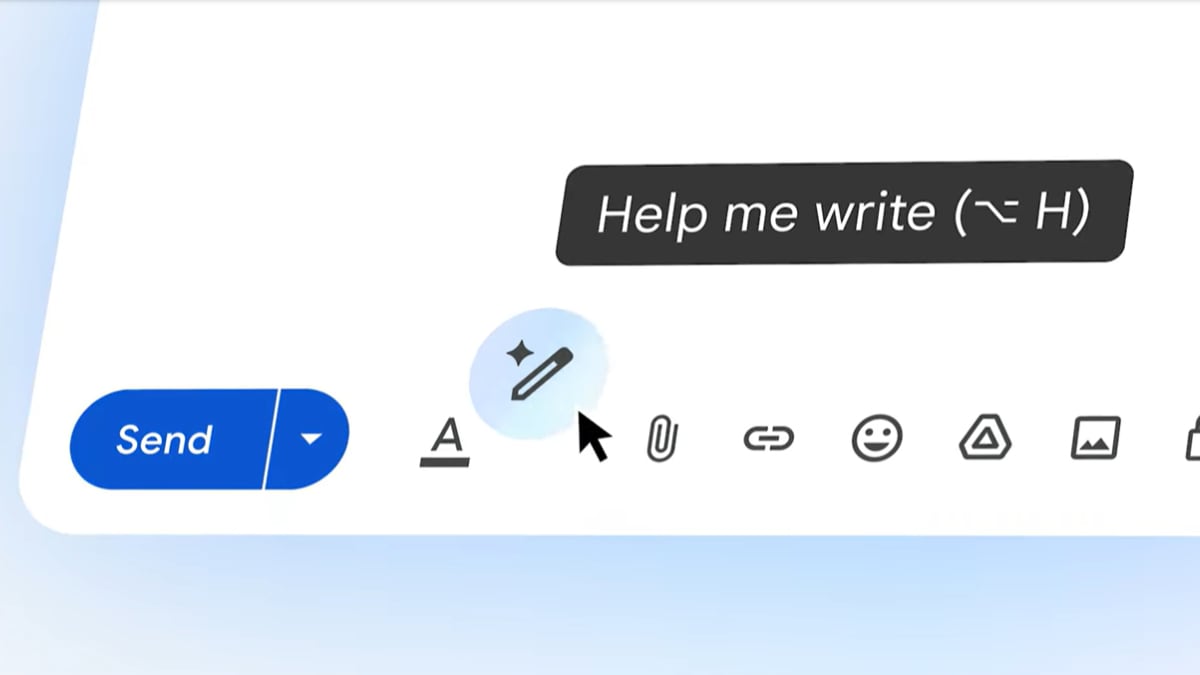
Google is enhancing Gmail's Gemini-powered 'Help Me Write' tool, allowing users to refine AI drafts using custom instructions for more personalized communication.
Key Takeaways
- Gmail's 'Help Me Write' feature now supports custom refinement via user instructions.
- Users can move beyond preset options to direct the AI with specific prompts.
- New 'Undo' and 'Redo' controls have been added for seamless editing.
- The update is powered by Gemini AI and is rolling out to eligible users globally.
In a significant move to bolster productivity, Google has announced a major upgrade to its Gmail ecosystem. The company is enhancing its Gemini-powered 'Help Me Write' feature, introducing custom refinement capabilities that empower users to tailor AI-generated drafts with unprecedented precision.
Moving Beyond Preset Limitations
Previously, the 'Help Me Write' functionality relied heavily on predefined templates and preset editing modes, such as 'Formalize' or 'Elaborate.' While useful, these options often lacked the nuance required for complex professional correspondence. With the new update, users can now provide specific, custom instructions to the AI. Whether you need to 'add a sense of urgency' or 'make the tone more apologetic,' the AI can now interpret these unique nuances to match your exact intent.
Enhanced Control with Undo and Redo
One of the primary friction points in AI-assisted writing is the fear of losing a good draft due to an incorrect AI modification. Addressing this, Google has integrated 'Undo' and 'Redo' controls specifically for AI edits. This allows users to experiment with different styles and prompts without the risk of permanently altering their original text, providing a safety net that fosters creativity and confidence in AI interaction.
The Strategic Role of Gemini AI
This update is part of Google's broader strategy to weave Gemini AI deeply into its workspace suite. By moving from static commands to dynamic, instruction-based editing, Google is transforming Gmail from a mere messaging platform into a sophisticated communication assistant. As this feature rolls out to eligible users by default, it marks a shift in how digital professionals interact with generative AI in their daily workflows.