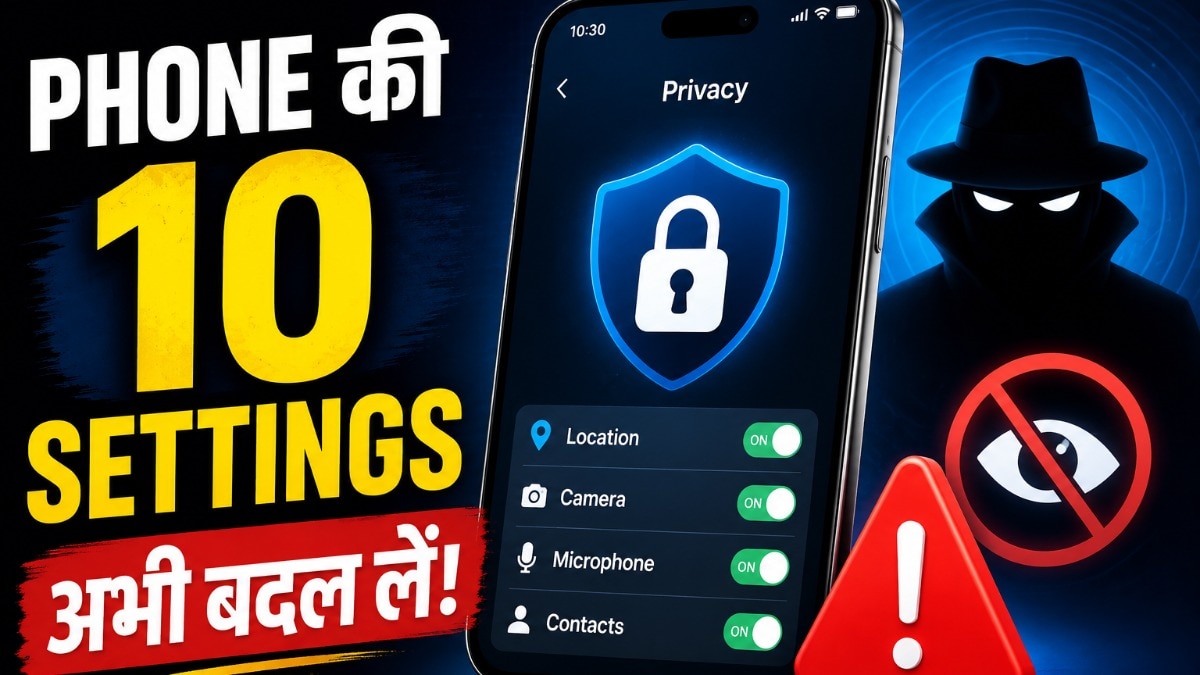
Is your smartphone spying on you? Learn the 10 critical privacy settings you must adjust on Android and iPhone to secure your personal information and prevent data theft.
Key Takeaways
- Restrict unnecessary app permissions like camera and microphone access.
- Set location services to 'Only while using the app'.
- Disable personalized ad tracking in Google and Apple settings.
- Regularly uninstall unused applications to reduce the attack surface.
In an era where our smartphones house everything from banking credentials to intimate conversations, privacy has become a luxury. Most users unknowingly grant permissions to apps that have no business accessing their microphone, location, or contacts, creating massive vulnerabilities.
The Hidden Risks of Default Settings
BozokMedia analysis shows that many applications exploit default permission settings to harvest user data for advertising or even more malicious purposes. A simple calculator app requesting access to your contact list is a major red flag that most users ignore.
Why This Matters
Uncontrolled data access allows third-party entities to build a detailed profile of your life. This information can be used for targeted phishing attacks, identity theft, or intrusive surveillance. Securing your device is not just about privacy; it is about fundamental digital safety.
The golden rule of digital hygiene is to grant 'Least Privilege'—only provide the minimum access an app needs to function.
Essential Privacy Checklist
To fortify your device, follow these steps immediately:
- Permission Manager: Regularly audit your 'Privacy Dashboard' on Android or 'Privacy & Security' on iPhone.
- Location Control: Avoid 'Always Allow' for location; opt for 'While Using the App' instead.
- Ad Privacy: Navigate to Google/Apple settings to opt-out of cross-app tracking.
- Software Maintenance: Never delay OS updates, as they contain critical security patches.
Frequently Asked Questions
1. Do I need to update my phone every time an update is available?
Yes, updates often include vital security patches that protect you from the latest malware and exploits.
2. Can deleting an app stop data collection?
Yes, removing unused apps is one of the best ways to stop background data harvesting.


