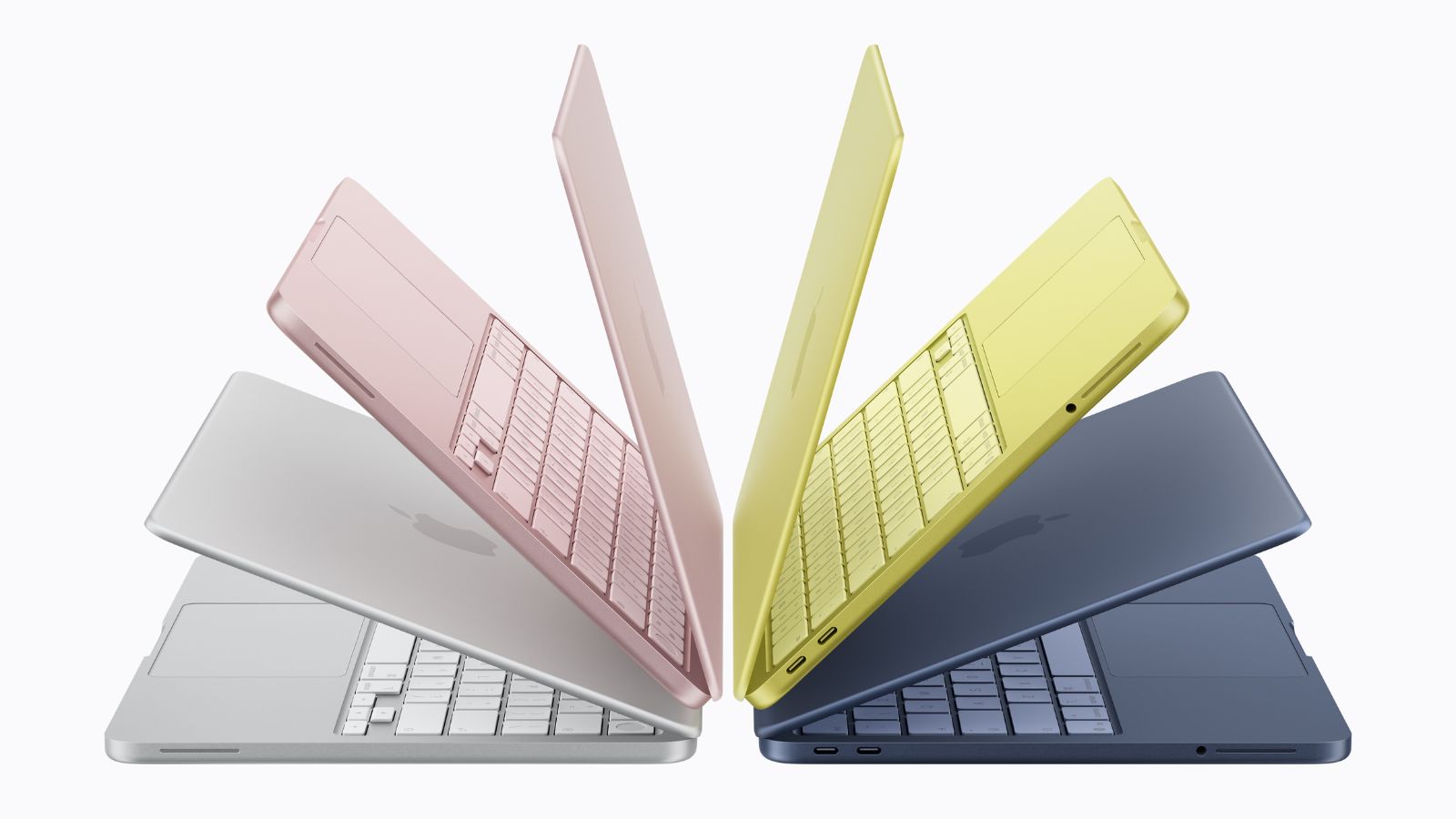
Apple has released a guide for mainland Chinese Mac owners to connect Alibaba’s Qwen generative‑AI service with Siri and Writing Tools. The move aims to bolster Apple’s competitiveness in China’s fast‑growing AI‑PC market.
Key Takeaways
- Mac users in China can now access Alibaba’s Qwen AI
- Siri and Writing Tools gain enhanced document and image analysis
- Integration offers Apple a locally compliant AI advantage
Apple published a step‑by‑step guide explaining how eligible Mac users in mainland China can link Alibaba’s Qwen AI service to the company’s Siri digital assistant and Writing Tools feature. The extension works on macOS 26.6 or later, requiring users to activate it and sign in to a Qwen account.
Qwen is Alibaba’s family of generative‑AI models capable of creating text, images, and analyzing documents or photos based on user prompts. Through Siri, users can receive more detailed responses, including photo and document analysis, while Writing Tools can generate text or images from descriptions using the same service.
Mac shipments in China fell 9% year‑on‑year in Q1, leaving Apple with just 9% of the PC market versus Lenovo’s 31% and Huawei’s 16%, according to Omdia. By integrating Qwen, Apple hopes to offer locally tailored AI capabilities and regain market share against domestic manufacturers that already embed AI deeply in their devices.
Historical Background
China’s AI‑PC sector has been accelerating, with Lenovo centering its Tianxi personal AI agent in its strategy and Huawei embedding AI across its HarmonyOS ecosystem. These moves have pressured foreign players like Apple to adapt to Chinese regulatory and consumer expectations.
Why This Matters
BozokMedia analysis shows that integrating Alibaba’s Qwen with Apple’s native software not only broadens the reach of Chinese AI models but also helps Apple retain a premium user experience in a market where domestic rivals are rapidly innovating.
"This partnership marks a pivotal step for Apple to deliver AI‑enhanced Mac experiences in China," says Dr. Li Wei, AI analyst at Beijing Tech Institute.
Frequently Asked Questions
Q: How do I activate the Qwen AI service on my Mac?
A: Open Settings on macOS 26.6 or later, enable the Qwen extension, and sign in with your Qwen account.
Q: Is the service available on all Mac models?
A: It works only on Macs running macOS 26.6 or newer; older models do not support the integration.