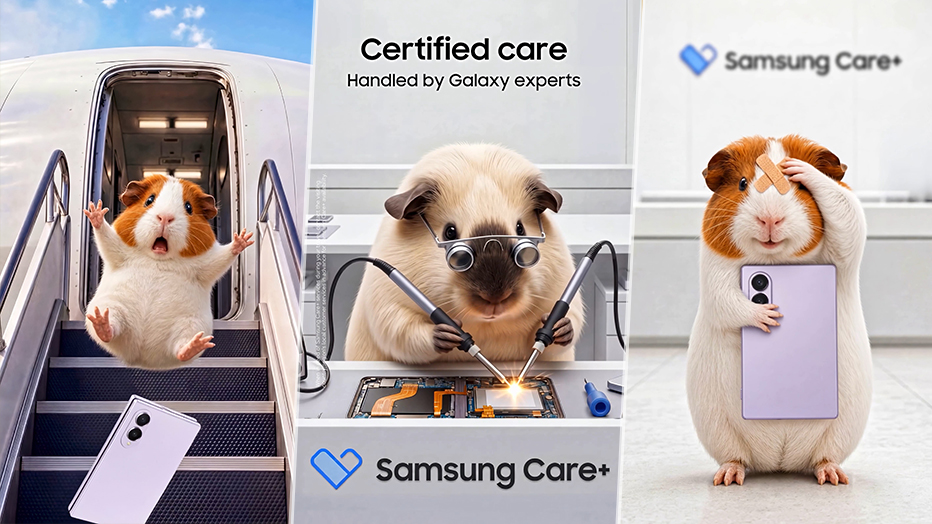
With the launch of One UI 9, Samsung has introduced a dedicated 'Warranty and care' menu for its flagship Galaxy Z Fold8 and Flip8 series. This feature centralizes warranty tracking, diagnostics, and repair booking in one seamless interface.
- New 'Warranty and care' menu introduced with One UI 9.
- Centralized hub for warranty status, diagnostics, and repair requests.
- Support for the entire Galaxy ecosystem, including Buds and Watches.
- Integrated Bixby AI assistance for troubleshooting.
Samsung is making device management significantly easier for its premium foldable users. With the rollout of One UI 9, the new 'Warranty and care' menu has arrived on the Galaxy Z Fold8 Ultra, Galaxy Z Fold8, and Galaxy Z Flip8. This feature is designed to eliminate the hassle of tracking coverage and managing repairs for high-end mobile devices.
Unified Ecosystem Management
One of the most impressive aspects of this new menu is its ability to look beyond the smartphone in your hand. By linking your Samsung account, the menu displays warranty and coverage details for your entire Galaxy ecosystem, including Galaxy Watch, Galaxy Buds, and Galaxy Tabs. This ensures that users have a holistic view of their device protection status in one single location.
Why This Matters
BozokMedia analysis shows that as foldable technology matures, consumer concern regarding repairability and long-term maintenance remains high. By integrating service tools directly into the Settings menu, Samsung is proactively addressing user anxiety and strengthening brand loyalty through transparency and accessibility.
Integrating service logistics directly into the OS is a masterstroke in enhancing the premium user experience for foldable enthusiasts.
Advanced Diagnostics and Bixby Integration
To ensure devices remain in peak condition, the menu includes a robust Diagnostics suite. This tool can perform deep checks on critical components such as the battery, charging capabilities, sensors, touch response, and connectivity. If an issue is detected, the system guides the user toward a solution.
Furthermore, Bixby has been integrated to provide real-time, conversational troubleshooting. Users can ask natural language questions like, "Why is my battery draining fast?", and Bixby will provide step-by-step guidance without the user ever needing to leave the settings screen.
Seamless Repair and Cost Transparency
When hardware intervention is necessary, the 'Request a repair' feature allows users to book appointments at Samsung-authorized service centers effortlessly. A standout feature is the cost transparency tool, which allows users to compare estimated repair costs for major parts against the coverage benefits provided by Samsung Care+. This empowers users to make informed financial decisions regarding their device protection.
Frequently Asked Questions
1. Does this menu work for older Galaxy models?
The full suite of features is optimized for devices running One UI 9, specifically the new Galaxy Z series.
2. Can I see my Galaxy Buds' warranty here?
Yes, provided the Buds are registered to the same Samsung account as your phone.