Google has released its August 2026 system updates, introducing seamless phone-to-PC file access, AI-powered app discovery in the Play Store, and enhanced Google Wallet capabilities.
- Direct access to phone files and notifications from laptops/tablets.
- Editable QR code amounts in Google Wallet via Pix payflow.
- AI-driven app discovery using photos in the Google Play Store.
- Improved eSIM transfers and AI-led device onboarding.
The August 2026 Google System Release Notes signal a massive leap in how Android interacts with other hardware. Covering Play services, Play Store, and system updates across Phone, Wear OS, Android TV, Auto, and PC, these updates aim to streamline the user journey and empower developers with more robust tools.
Breaking the Barrier: Device Connectivity
The standout feature of this release is the enhanced connectivity between Android devices and PCs. Users can now access their phone's files directly from their laptops, a feature that significantly reduces reliance on cloud uploads for simple transfers. Furthermore, the ability to view and manage phone notifications on a Googlebook or tablet transforms the productivity landscape for power users. The eSIM transfer process has also been optimized to ensure a frictionless transition between devices.
Why This Matters
BozokMedia analysis shows that Google is strategically closing the gap with closed-ecosystems like Apple. By integrating the 'Googlebook' and phone experience, Google is creating a seamless 'continuity' loop that increases user retention and hardware synergy.
"This update represents a shift from Android being a mobile OS to becoming a comprehensive cross-platform service layer."
Wallet and Play Store Evolution
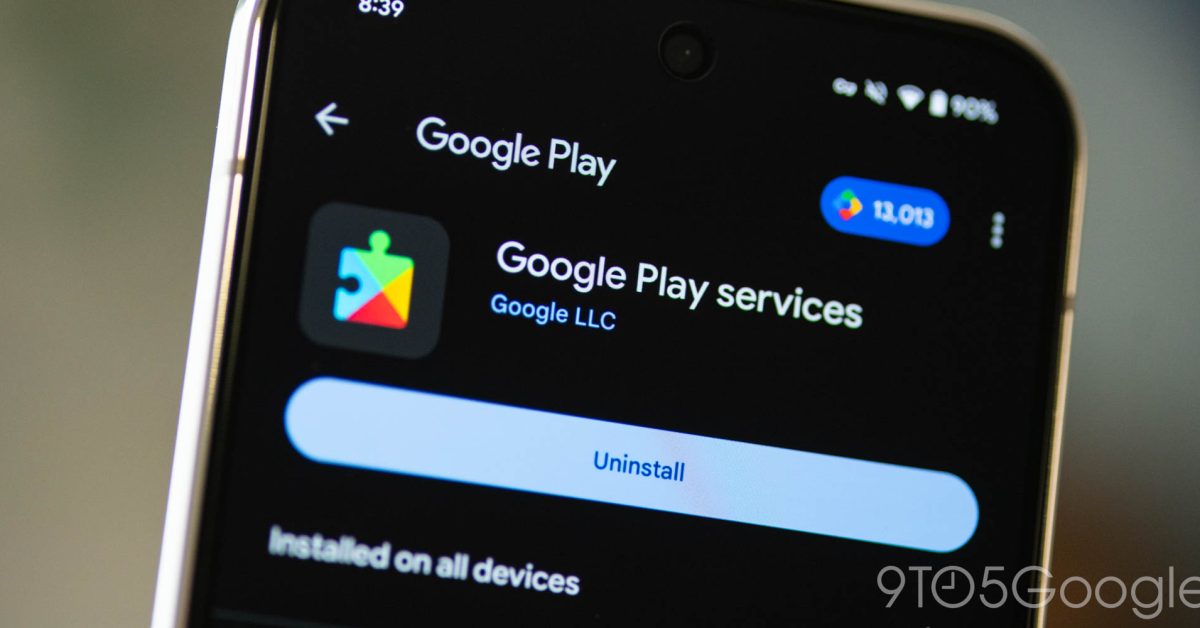
Google Wallet has received a critical update to the Pix payflow, allowing users to edit payment amounts via QR codes, adding much-needed flexibility to digital transactions. In the Google Play Store (v53.0), Google has introduced a futuristic search capability: users can now find apps and games based on the content of a photo, leveraging advanced computer vision.
| Feature | Previous Version | August 2026 Update |
|---|---|---|
| File Access | Cloud/Cable dependent | Direct Laptop Integration |
| App Search | Text-based queries | Photo-based Discovery |
| Wallet Payments | Static QR Amounts | Editable QR Amounts |
Developer Tools and Security Hardening
For the technical community, Android WebView v153 introduces renderSizeHint for AudioContext, giving developers finer control over audio rendering. On the security front, Google Play Protect has been upgraded to detect potentially harmful applications (PHAs) with higher precision. Additionally, maintenance updates for Private Compute Services ensure that user data remains isolated and secure.
Frequently Asked Questions
Q1: How do I manually check for these system updates?
A: Navigate to Settings > Tap your profile (Google services) > All services > Privacy & security > System services.
Q2: Are these features available for all Android users immediately?
A: No, some features are experimental or staged rollouts and may take several weeks to reach all compatible devices.