Apple's iOS 27 brings transformative automation and personalization to the Safari browser. Discover how 'Notify Me' and AI-driven extensions can revolutionize your browsing.
- Use the 'Notify Me' feature to track price drops or content changes on any webpage.
- Create custom browser extensions instantly using the 'Describe an Extension' AI tool.
- Let Safari automatically organize hundreds of messy tabs into intelligent topic groups.
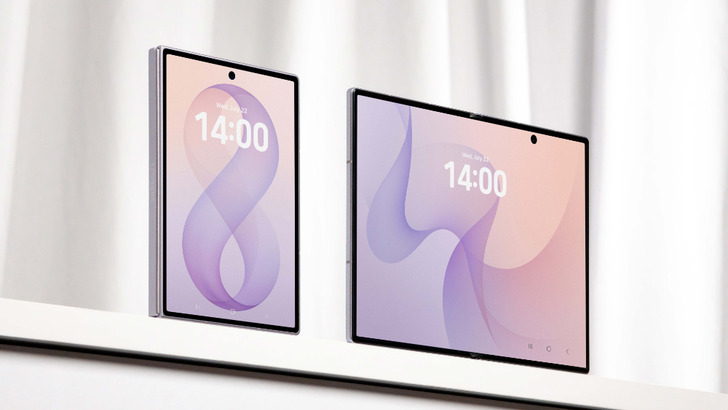
While Apple's recent hardware event focused on the stunning iPhone Duo and its translucent 'Liquid Glass' aesthetics, the real magic lies in the software. iOS 27 is set to redefine the user experience, particularly through the integration of Apple Intelligence into core applications like the Safari browser.
It is important to note that these advanced features require an iPhone 15 Pro or newer, as they rely heavily on the onboard neural engine to power Apple's new AI capabilities.
1. Smart Tracking with 'Notify Me'
If you are an avid online shopper, the new 'Notify Me' feature is a game-changer. Instead of manually refreshing pages to check for discounts, you can now instruct Safari to scan specific webpages on a set cadence. Simply navigate to the product page, tap the menu icon, and select 'Notify Me.' You can describe exactly what change you are looking for—such as a significant price drop on a piece of furniture or a change in a service's privacy policy. Safari will handle the monitoring for you.
2. Generative AI Extensions
Taking automation to the next level, the 'Describe an Extension' feature allows users to build custom browser tools using natural language. Much like the 'Describe a Shortcut' feature, you simply type your requirement. Want a badge that shows estimated reading time? Or perhaps a mode that turns the webpage grayscale to help you focus? Apple Intelligence generates these custom extensions in seconds, providing a level of personalization previously reserved for developers.
Apple Intelligence has transformed browsing from a passive activity into a highly personalized, proactive experience.
3. Intelligent Tab Organization
For those of us who suffer from 'tab hoarding,' iOS 27 offers a massive relief. The new 'Automatic Topic Creation' feature within the tab overview allows Safari to analyze your open tabs and group them into logical categories. Whether it's a collection of news articles from WIRED or a list of upcoming events in San Francisco, Safari intelligently categorizes your digital clutter, making navigation seamless.
Why This Matters
BozokMedia analysis shows that Apple is aggressively fortifying its ecosystem by embedding AI directly into the user's daily workflow. By making Safari smarter, Apple isn't just improving a browser; they are increasing the 'stickiness' of the iPhone, making it harder for users to switch to competitors like Google Chrome.
Frequently Asked Questions
Question 1: Which devices support these new Safari AI features?
Answer: You need an iPhone 15 Pro, iPhone 15 Pro Max, or any newer model that supports Apple Intelligence.
Question 2: Can I use 'Notify Me' for things other than shopping?
Answer: Absolutely. You can use it to track news updates, ticket availability, or changes in legal documentation.