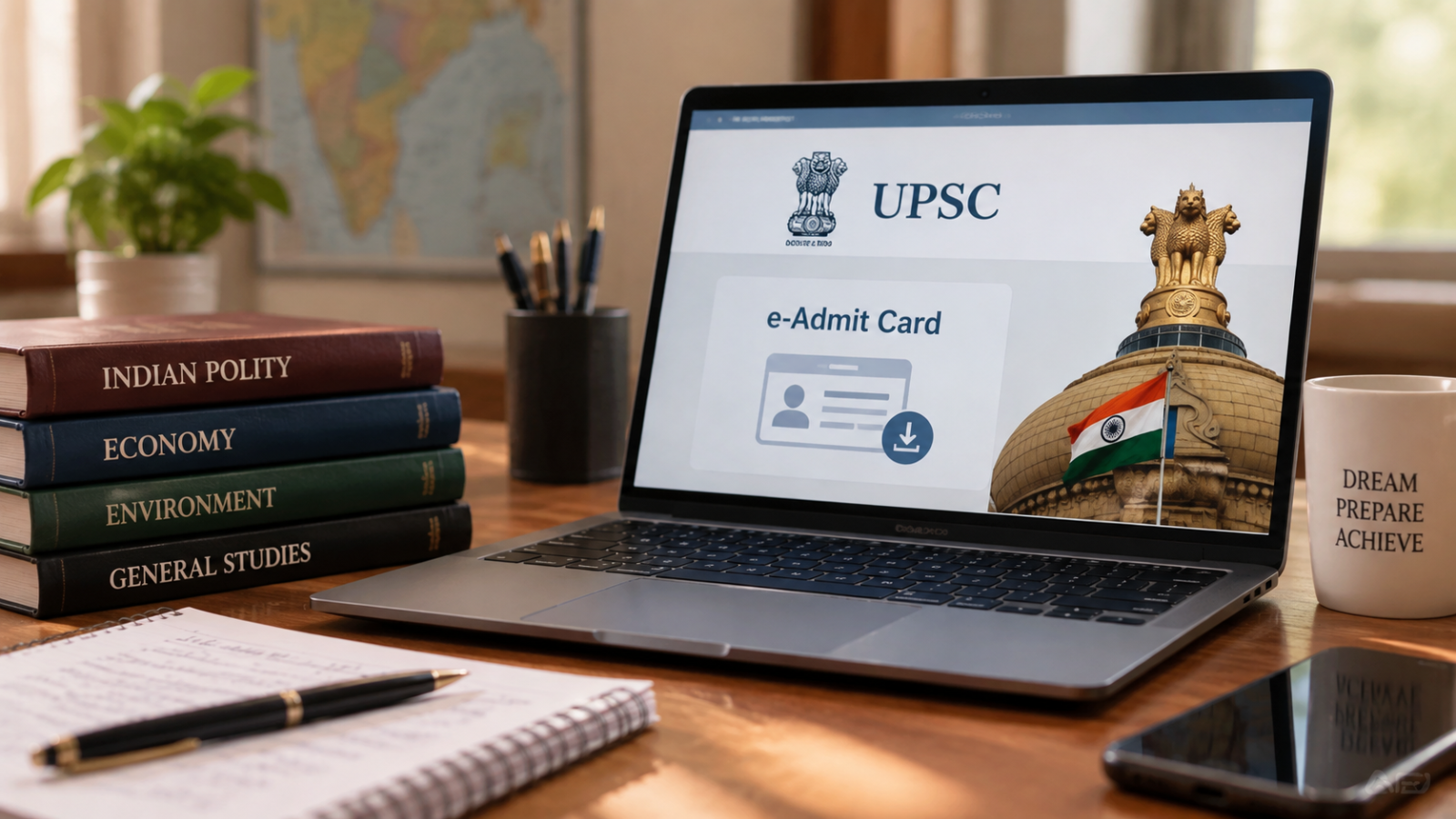
The Union Public Service Commission has published the admit cards for the 2026 Civil Services Mains exam. Candidates can now download their hall tickets from the official portals, and the five‑day exam will run from August 21 to 30.
Key Takeaways
- UPSC 2026 Mains admit cards released
- Examination dates: August 21, 22, 23, 29, 30
- Admit card mandatory for every exam day
How to Download the Admit Card
All qualified candidates must log in to upsc.gov.in or upsconline.nic.in using their registration credentials. After signing in, click on the “Examination” tab on the dashboard and select “Download UPSC CSE 2026 Mains Admit Card.” Print the downloaded PDF and carry it to each exam session.
Historical Background
The Union Public Service Commission (UPSC) conducts India’s premier recruitment exams for Group‑A and Group‑B services such as IAS, IPS, and IRS. In 2025, the commission also moved the admit‑card distribution online, marking a shift toward digital efficiency.
Why This Matters
BozokMedia analysis shows that timely release of admit cards reduces last‑minute confusion and helps maintain the integrity of the examination process, crucial for selecting India’s future administrators.
"Prompt admit‑card delivery is essential for a smooth examination workflow," said a senior UPSC official.
Frequently Asked Questions
Q1: How can I download my admit card?
A: Log in to the official UPSC website, navigate to the Examination tab, and click the download link.
Q2: What should I do if there is an error on my admit card?
A: Contact the UPSC help desk immediately to request a correction before the exam dates.