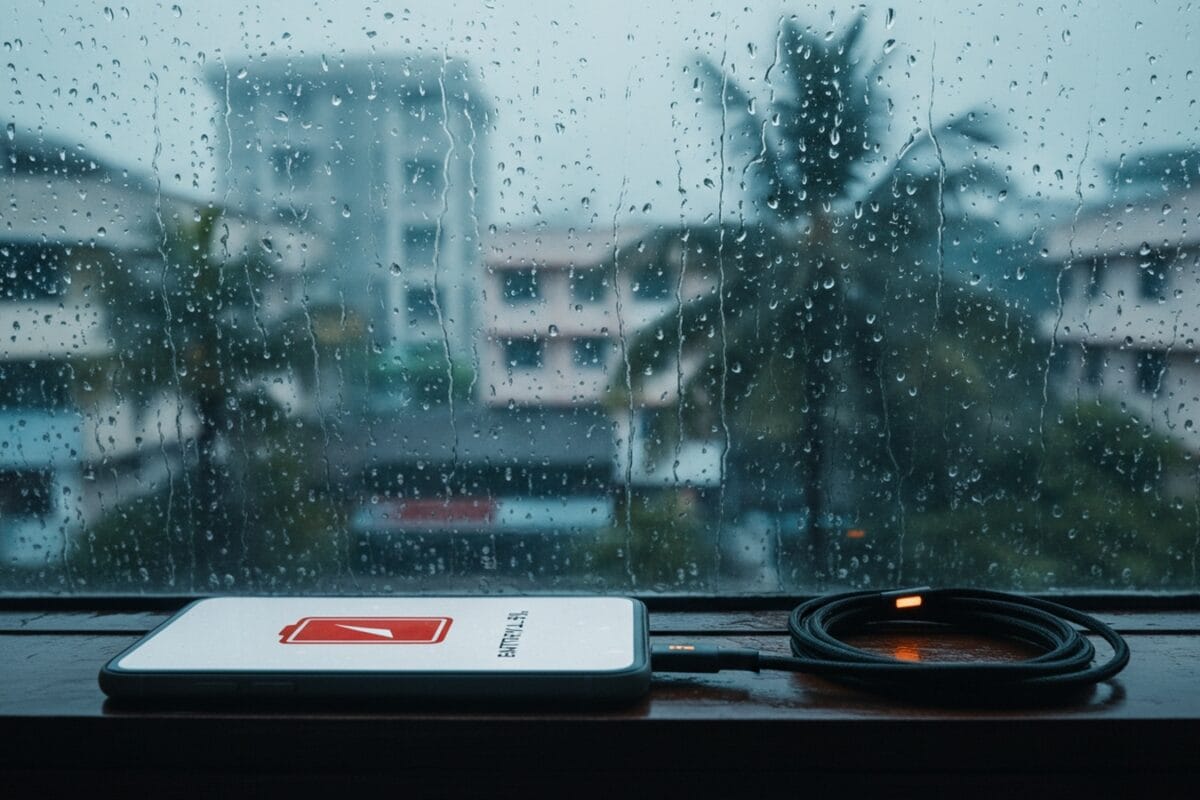
During India's monsoon season, many users notice a rapid drop in phone battery life. This article explains the scientific reasons—humidity, network strain, and charging mishaps—and offers practical steps to safeguard your device.
Key Takeaways
- High humidity reduces battery efficiency
- Poor network signal increases power consumption
- Proper charging and protection extend battery lifespan
India’s monsoon, spanning June to September, brings more than just rain; it creates a high‑humidity environment that directly impacts lithium‑ion batteries. Relative humidity often climbs above 80%, allowing moisture to infiltrate vulnerable phone components and accelerate internal chemical reactions, which shortens usable capacity.
Moisture Effects on Internal Hardware
Even water‑resistant smartphones (IP68) are not impervious to prolonged exposure. Charging ports, speaker grills, and button seals can accumulate condensation, increasing electrical resistance and reducing charging efficiency. Over time, this moisture can corrode connectors, leading to erratic power draw.
Network Stress and Battery Drain
Heavy rain weakens cellular tower signals. Phones continuously search for a stronger connection, keeping the modem and processor active at higher power levels. Background apps that rely on location or data sync further amplify the drain, especially when the device toggles between 4G, 3G, and low‑signal modes.
Temperature Fluctuations Compound the Issue
Monsoon weather is paradoxical—cooler air combined with high humidity can still stress batteries. Cold conditions raise internal resistance, while sudden spikes in temperature during charging cause overheating, both of which degrade lithium‑ion cells faster.
Practical Protection Strategies
1. Use a waterproof pouch or a quality rain‑proof case to keep the phone dry.
2. Dry the charging port with a lint‑free cloth before plugging in; heed any liquid‑detection warnings.
3. Lower screen brightness, disable unused location services, and turn off Bluetooth when not needed.
4. Enable battery‑saving mode and restrict background app refresh.
5. Charge the device in a cool, dry place—avoid charging on soft surfaces that trap heat.
Adopting these habits not only preserves battery health during the monsoon but also improves overall device reliability. Regular cleaning, mindful charging, and protective accessories deliver the highest return on investment for any smartphone user navigating India’s rainy months.