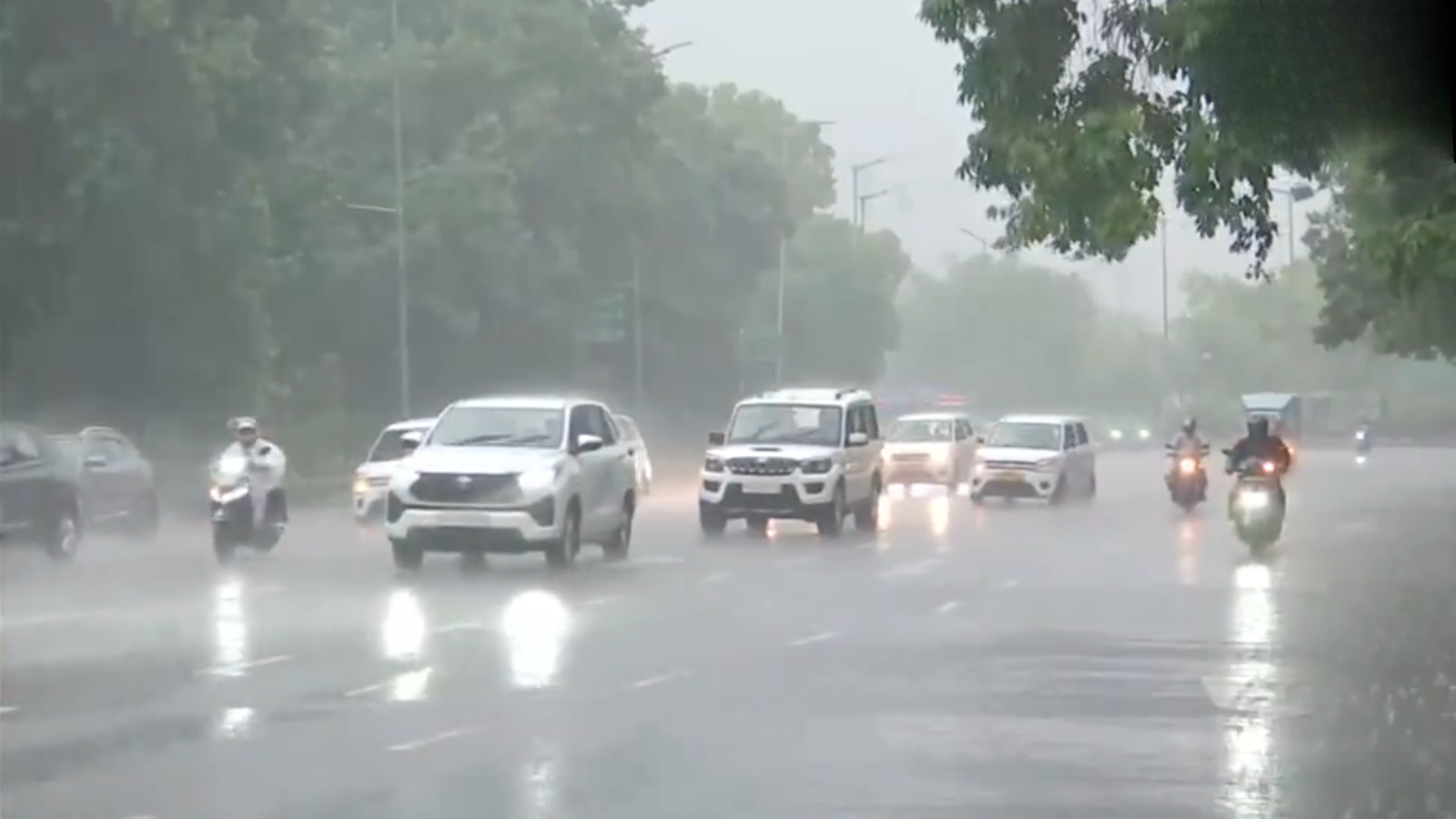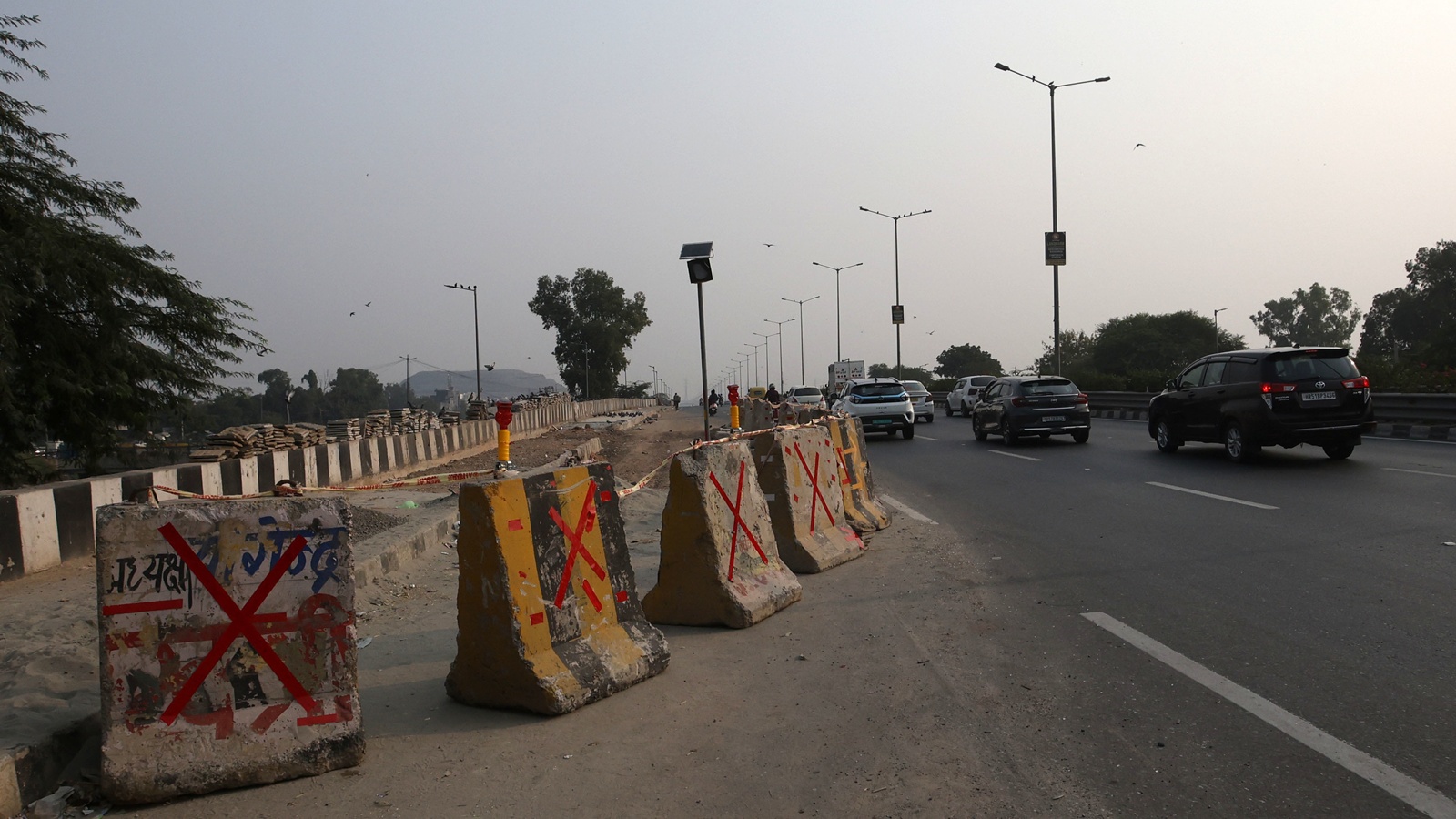
The Delhi Traffic Police, in partnership with Google India and MapMyIndia, is launching a safety feature that will alert drivers when they approach accident‑prone “black‑spot” stretches. The navigation apps will also display the maximum speed limit for each road segment.
Key Takeaways
- Google Maps and MapMyIndia will push black‑spot alerts
- Maximum speed limits displayed alongside alerts
- Goal: improve compliance and cut road fatalities
Introduction
New Delhi – The Delhi Traffic Police announced a new road‑safety initiative that integrates accident‑prone zone warnings into the two most popular navigation platforms, Google Maps and MapMyIndia. The move aims to give commuters real‑time, actionable safety information before they enter high‑risk stretches.
Historical Background
Over the past few years, the police have conducted spatial analysis of crash data, identifying dozens of “black spots” across the capital. Traditional measures such as better signage and speed‑calming infrastructure have reduced accidents, but a digital layer is now being added to reach drivers directly on their phones.
How It Works
When a user routes through Delhi on either app, a pop‑up warning will appear as the vehicle approaches a flagged black‑spot. Simultaneously, the app will show the officially notified maximum speed limit for that stretch, prompting drivers to adjust their speed accordingly.
Why This Matters
BozokMedia analysis shows that integrating real‑time safety alerts into everyday navigation can boost compliance by up to 30%, potentially saving hundreds of lives each year in the capital.
“Digital warning systems raise driver awareness and curb inadvertent speeding,” says traffic safety expert Dr. Anjali Mehta.
Did You Know?
Frequently Asked Questions
- Will the alerts work on all smartphones? Yes, the feature will be active on both Android and iOS devices once the app updates are installed.
- Can users disable these alerts? Users can toggle the alerts in the app settings, though staying enabled is strongly recommended for safety.